
Built for the real tolerances and materials of hobby woodworking — from cabinet sides to drawer bottoms.
Choose how Kerf packs your pieces: leave one big reusable scrap, pack the fewest sheets, or constrain every cut to a full edge-to-edge pass for table-saw-only shops. Pick per project, switch anytime.
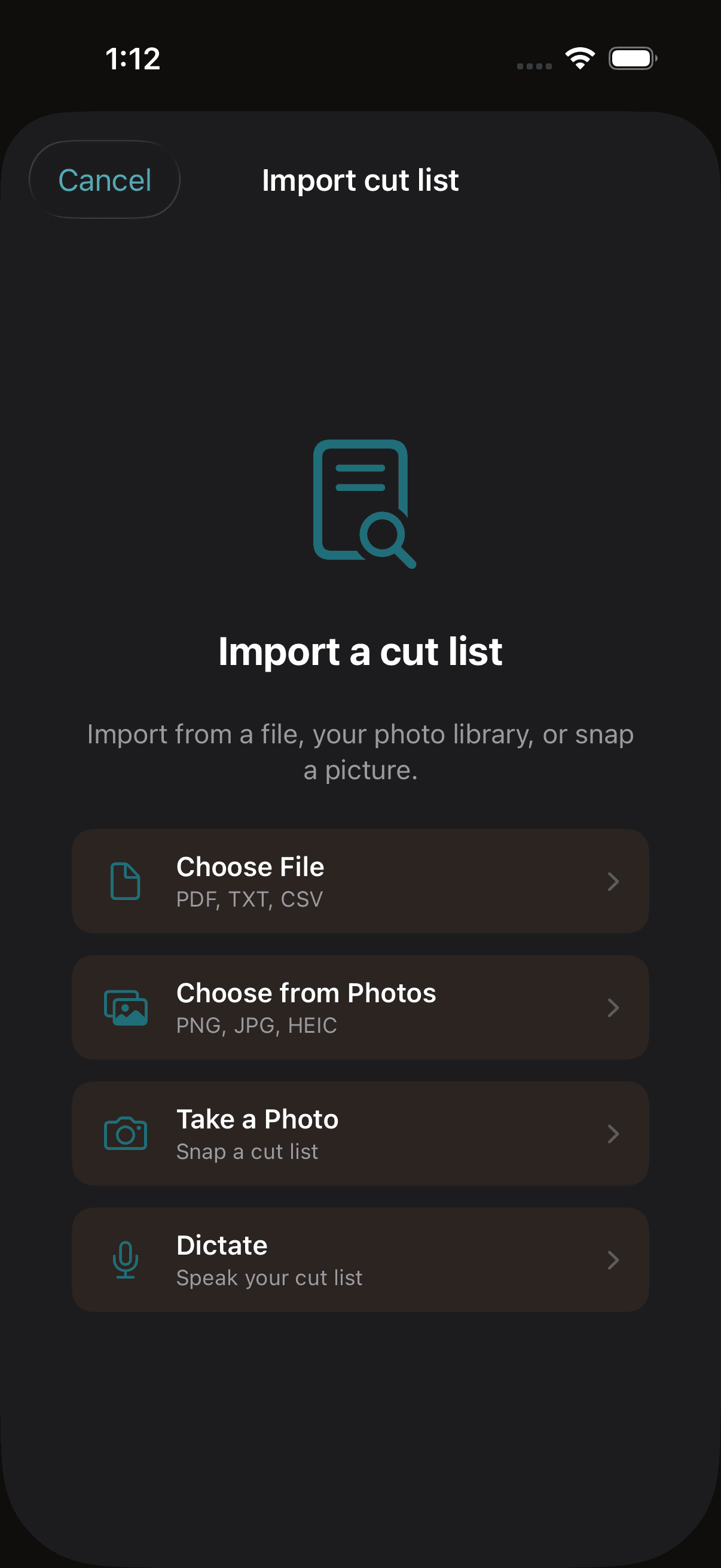
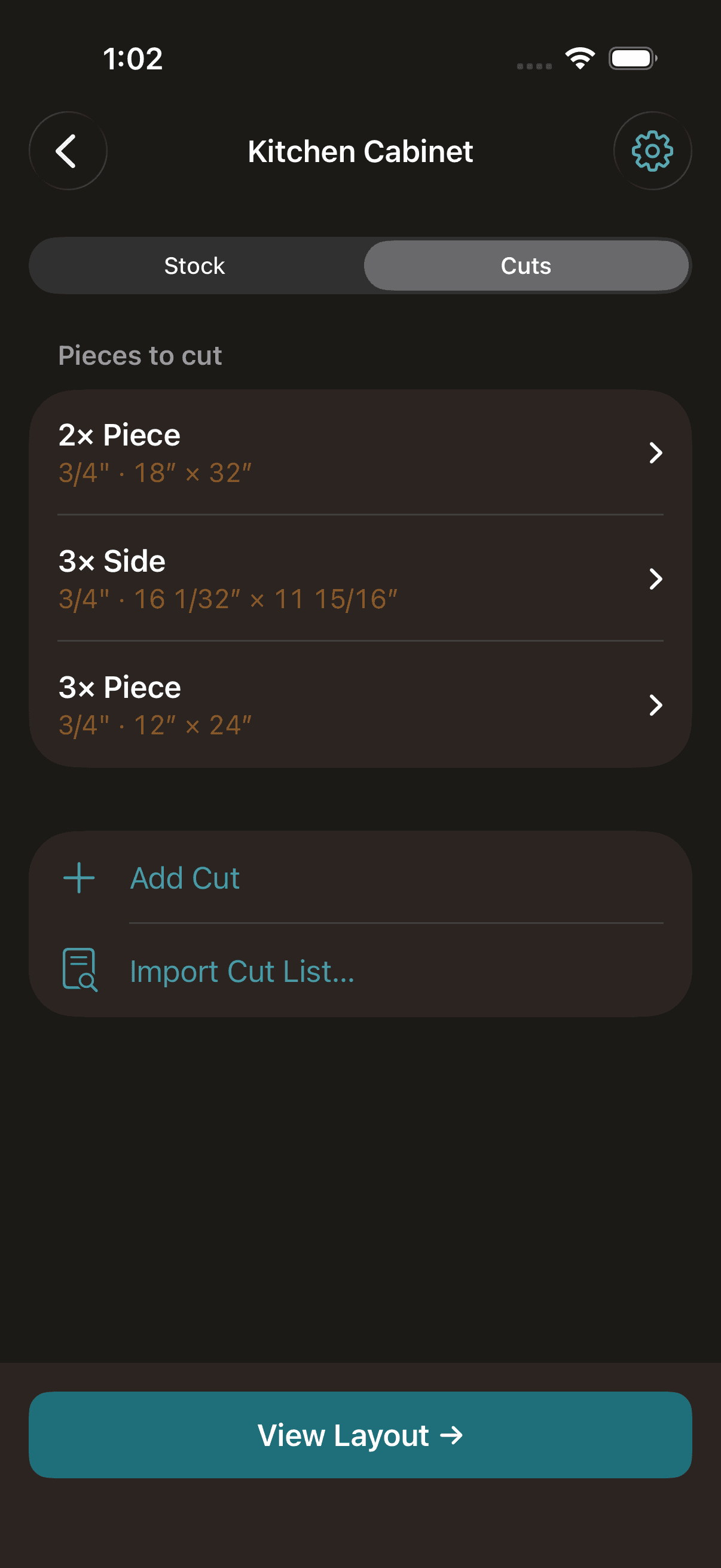
Snap a picture of a printed cut list, dictate pieces out loud, drop in a CSV or PDF — Kerf parses each source into stock sheets and cut pieces you can review and edit before solving.
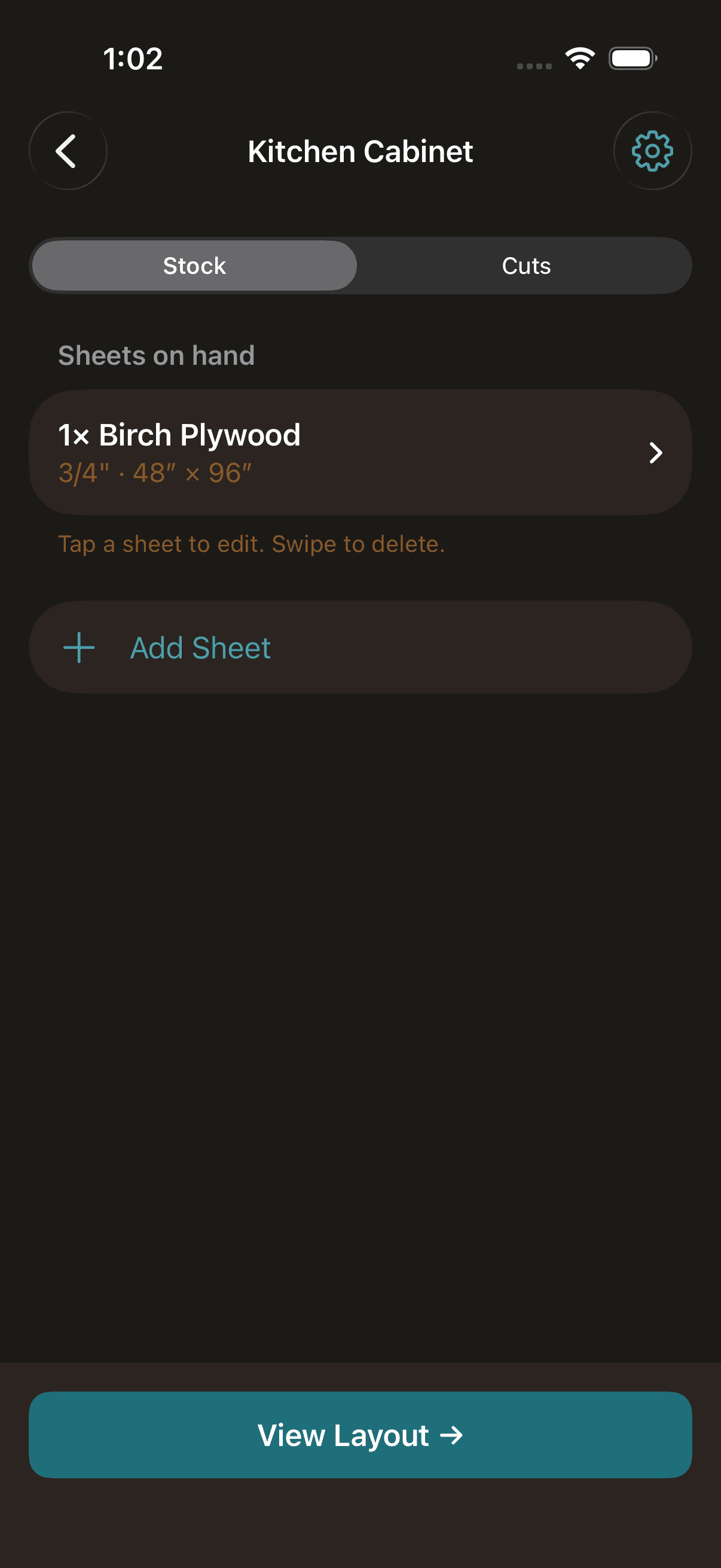
Switch between inches, feet, millimeters, and centimeters per project. Inches support fractional input like "24 1/2" with compound feet-and-inches display. Metric modes use decimal values with 0.1 mm or 0.1 cm precision.
Set your saw blade width once per project and Kerf automatically accounts for material loss between every cut. Never end up short by a blade width again.
Toggle "grain matters" on any cut to lock it to the stock sheet's grain direction. The solver will not rotate locked pieces, so your face-grain panels stay oriented correctly.
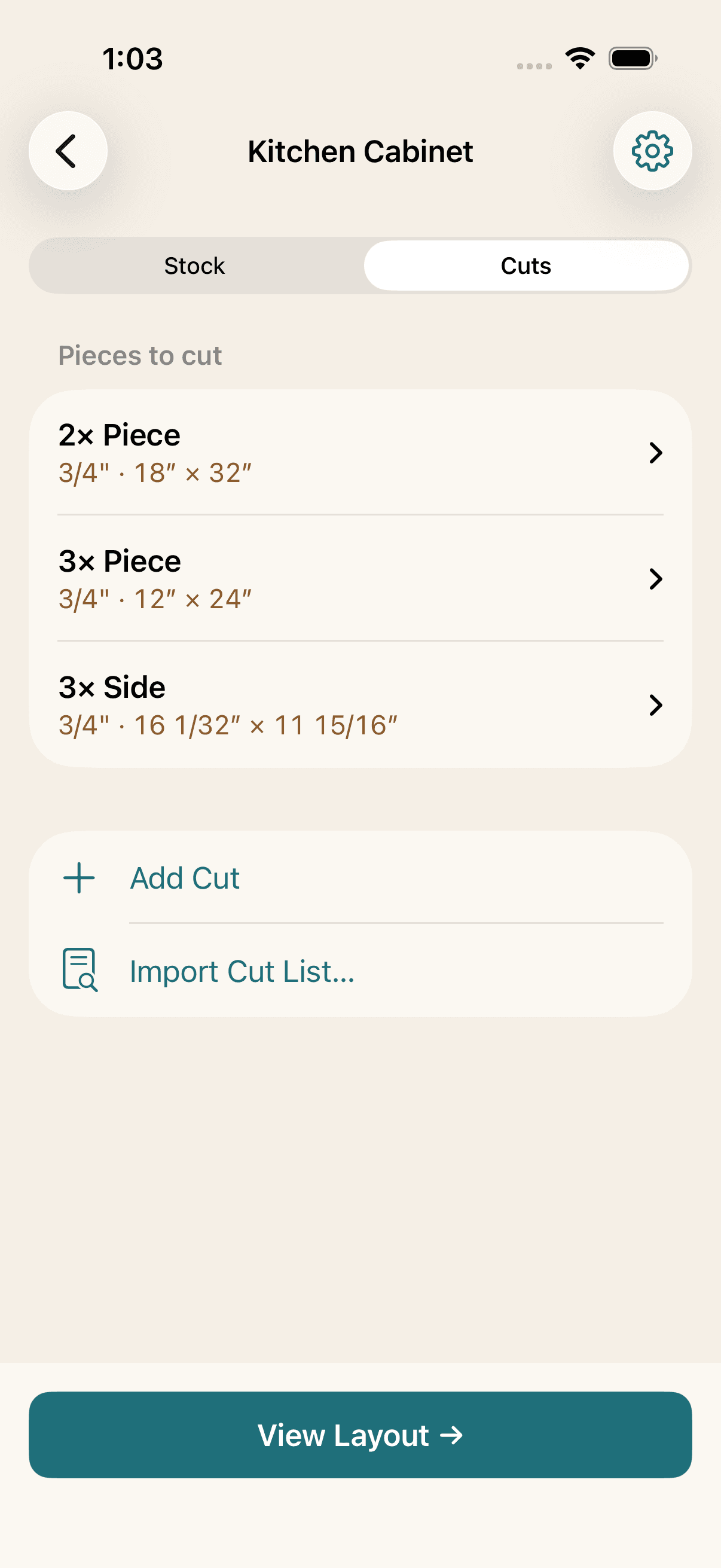
Real woodworking projects mix thicknesses — 3/4" cabinet sides with 1/2" shelves and 1/4" back panels. Kerf groups cuts by thickness and only matches them to compatible stock, so your thin cuts stay on your thin stock.
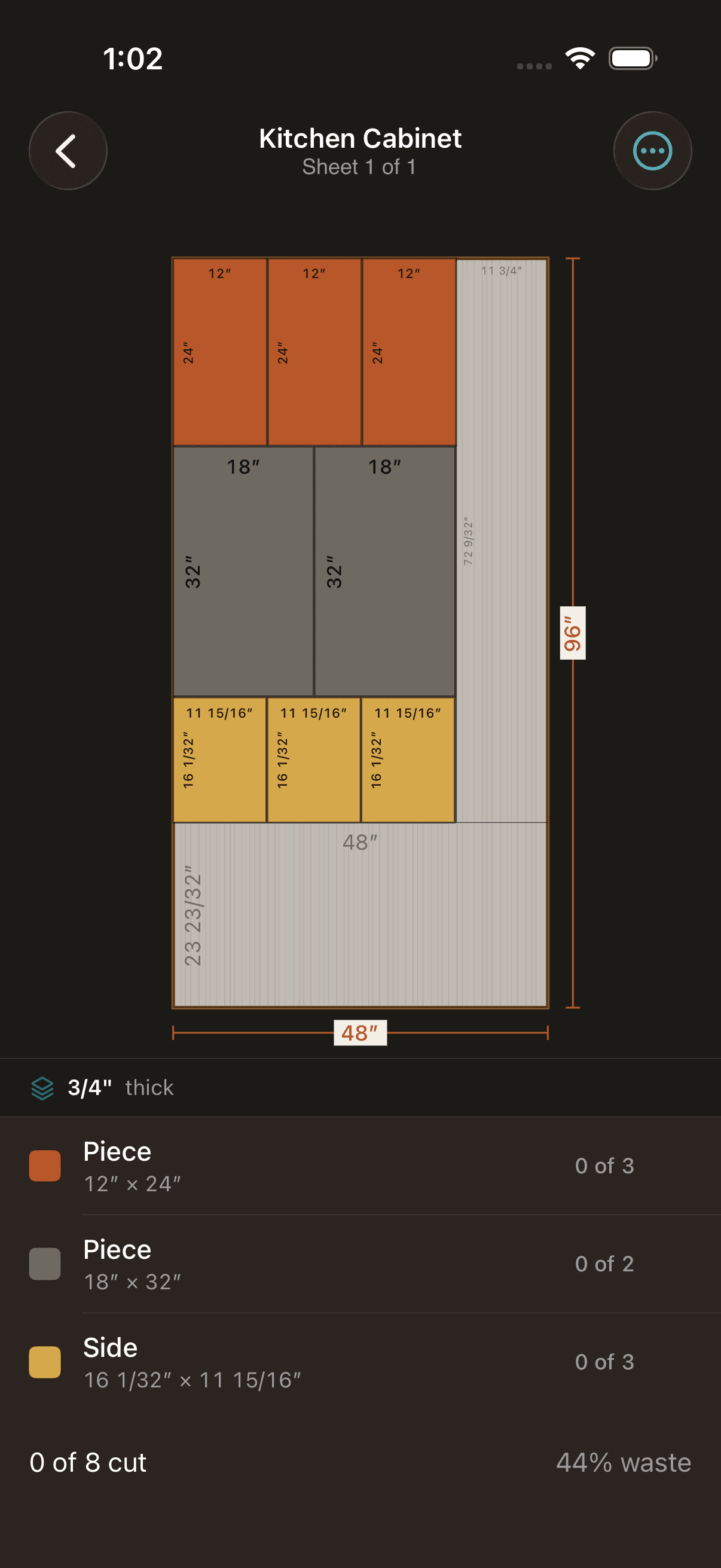
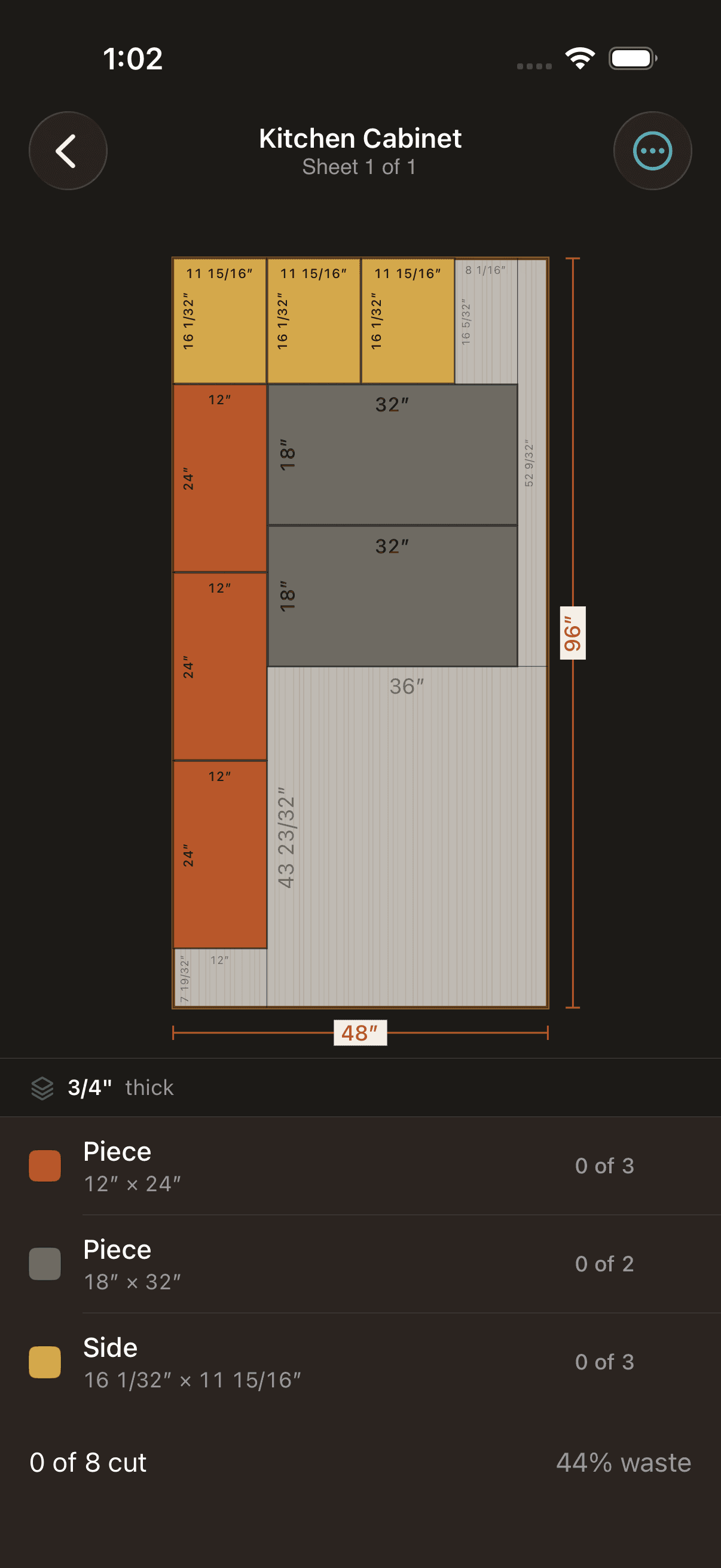
Export your solved layout as a PDF or PNG via the native iOS share sheet. Each sheet rendered with piece labels, dimensions, and the same color-coded layout you see on screen.